Scheduling
The hardest part of a campaign is getting everyone to the table. Each player marks the nights they can make, you see which dates work for the whole group, book one, and Fateweaver sends the invites. After the session, share a recap of what changed. Scheduling comes with the world owner's Starter plan, and everyone in that world can use it.
Find the Night
Everyone marks the dates they can make. The world schedule lays them over each other.
- See which dates the whole table can make
- The best dates picked out for you
- Mark who must be there for a session to run
- Games they have in other worlds count too
Book and Invite
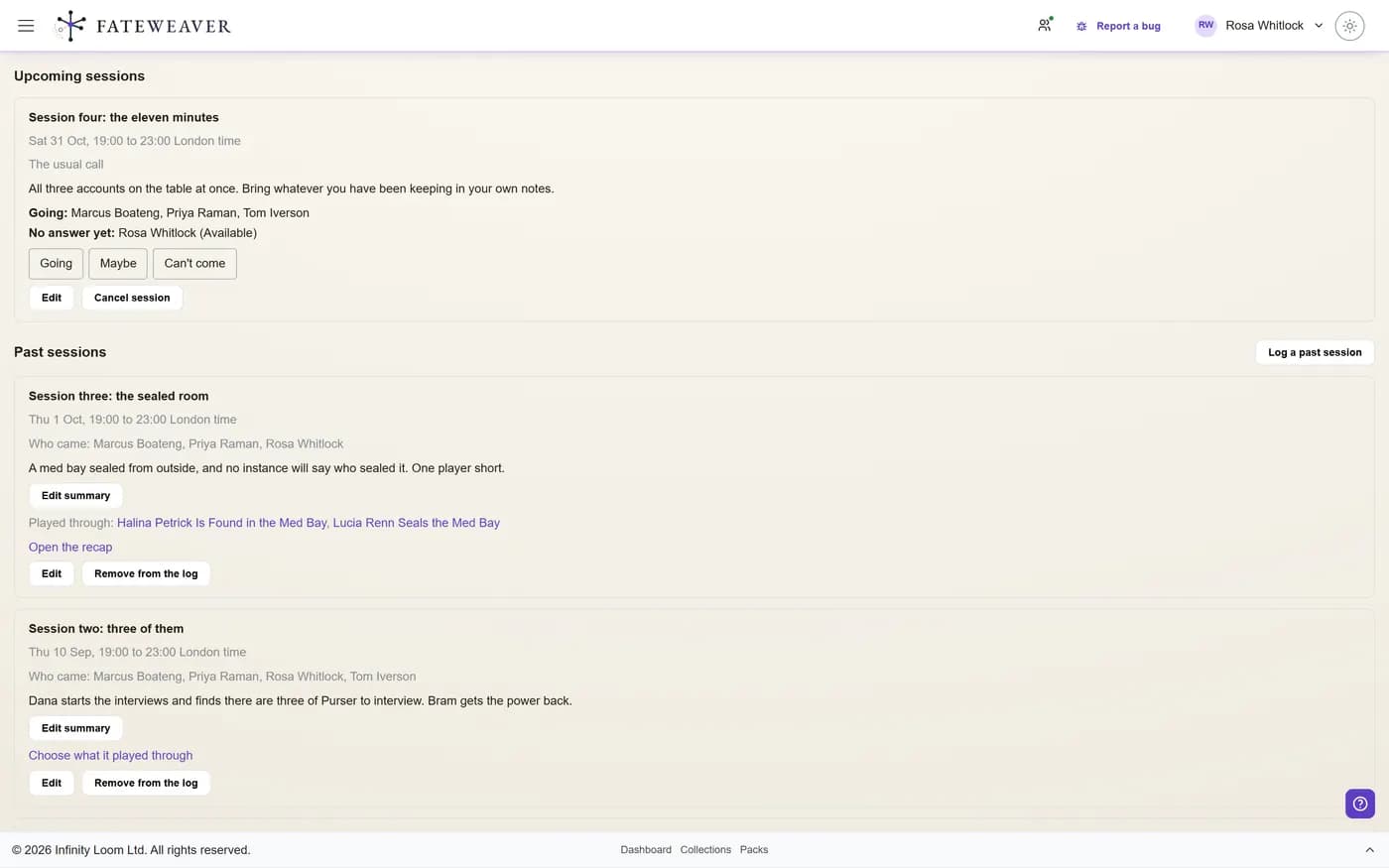
Book the date and everyone invited hears about it, with a file for their calendar.
- Going, maybe, or can't come, in one click
- Answer from the e-mail, without signing in
- Changes, cancellations and reminders sent for you
Ask the Table
Not sure yet? Ask about two to five dates and let the answers come to you.
- Players answer in the app or from the e-mail
- Each answer goes straight into their availability
- The answers show on the world schedule
After the session: the recap
Fateweaver already knows what changed in your world, so the recap starts written. After each session you get what changed at the table and in your prep before it. Keep what matters, then share it.
- Notes you write up the day after are taken in until you share it
- Players see only what changed that they are allowed to see
- Send it as a "Previously on" e-mail, if you like
- The next session's card and its reminder show "Previously on"
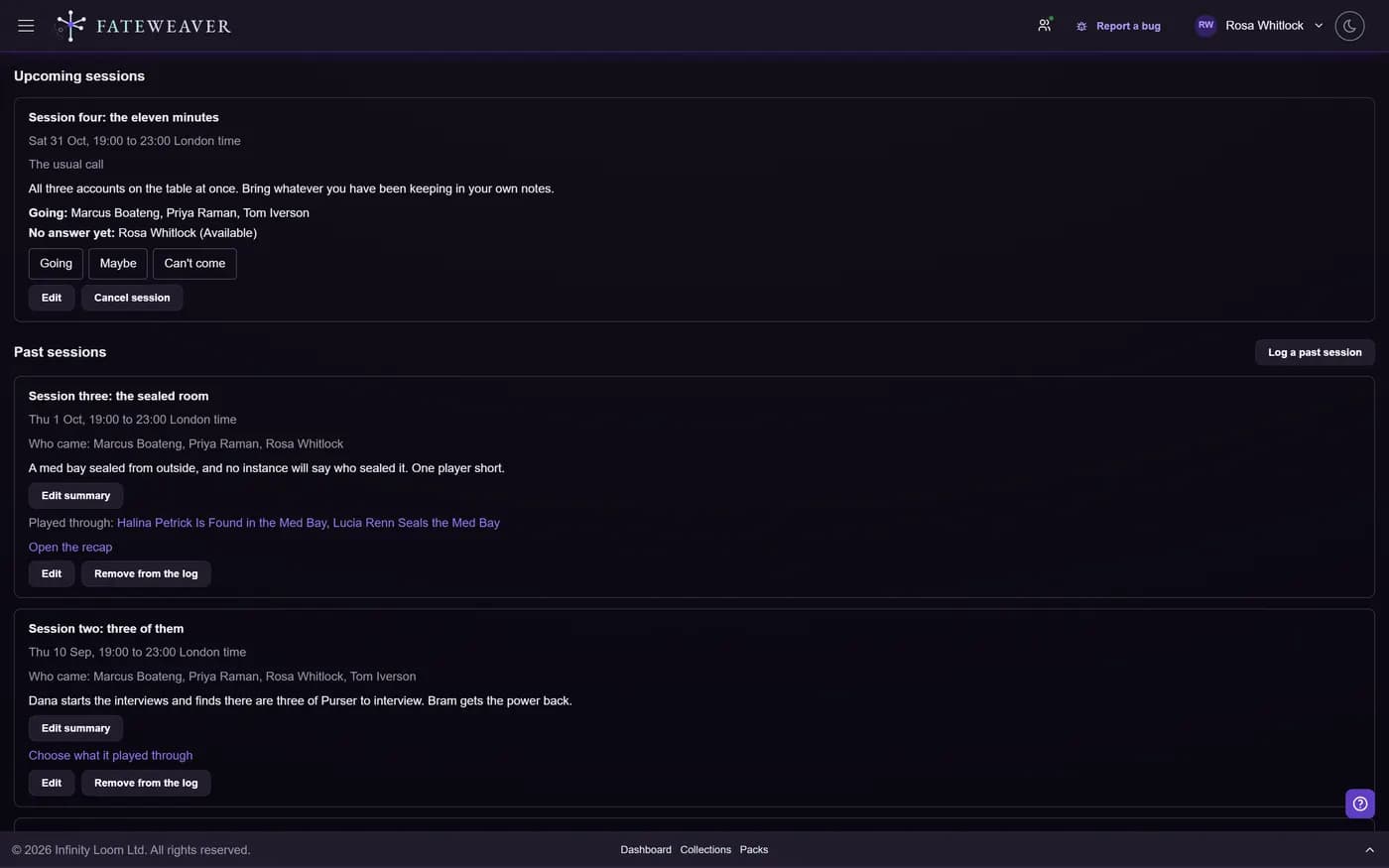
- Each past session records who came and the events it played through
Common workflows
The weekly game that keeps slipping
Thursday broke at three of four. Move it without a week of messages.
- Open the world schedule
- Pick the date everyone can make
- Book it, and the invites go out
The table that never checks the app
Meet the players where they already are: their inbox.
- Ask the table about three Saturdays
- They answer from the e-mail
- Book the one that works
Tips
- Mark the players a session cannot run without, so the best dates are the ones that actually work.
- Link each session to the events it played through, and the recap and your timeline tell the same story.
- Only the world owner needs Starter. Players on the free plan schedule in that world like anyone else.
More on this: all features · pricing · FAQ. Signed in? The help button in the corner of the app has step-by-step articles, a keyboard reference, and a guided tour for every page.
Your world is already a web
Every connection you are holding in your head is one you could be looking at. Build your first relationship map free, and see the shape of what you have made.
No credit card required • Create your first relationship map free • Export your data anytime