Time & Events
Your world is not just who knows whom, it is what happened and when. Lay out eras, place dated events, and watch your relationship map re-weave itself as the story moves through time.
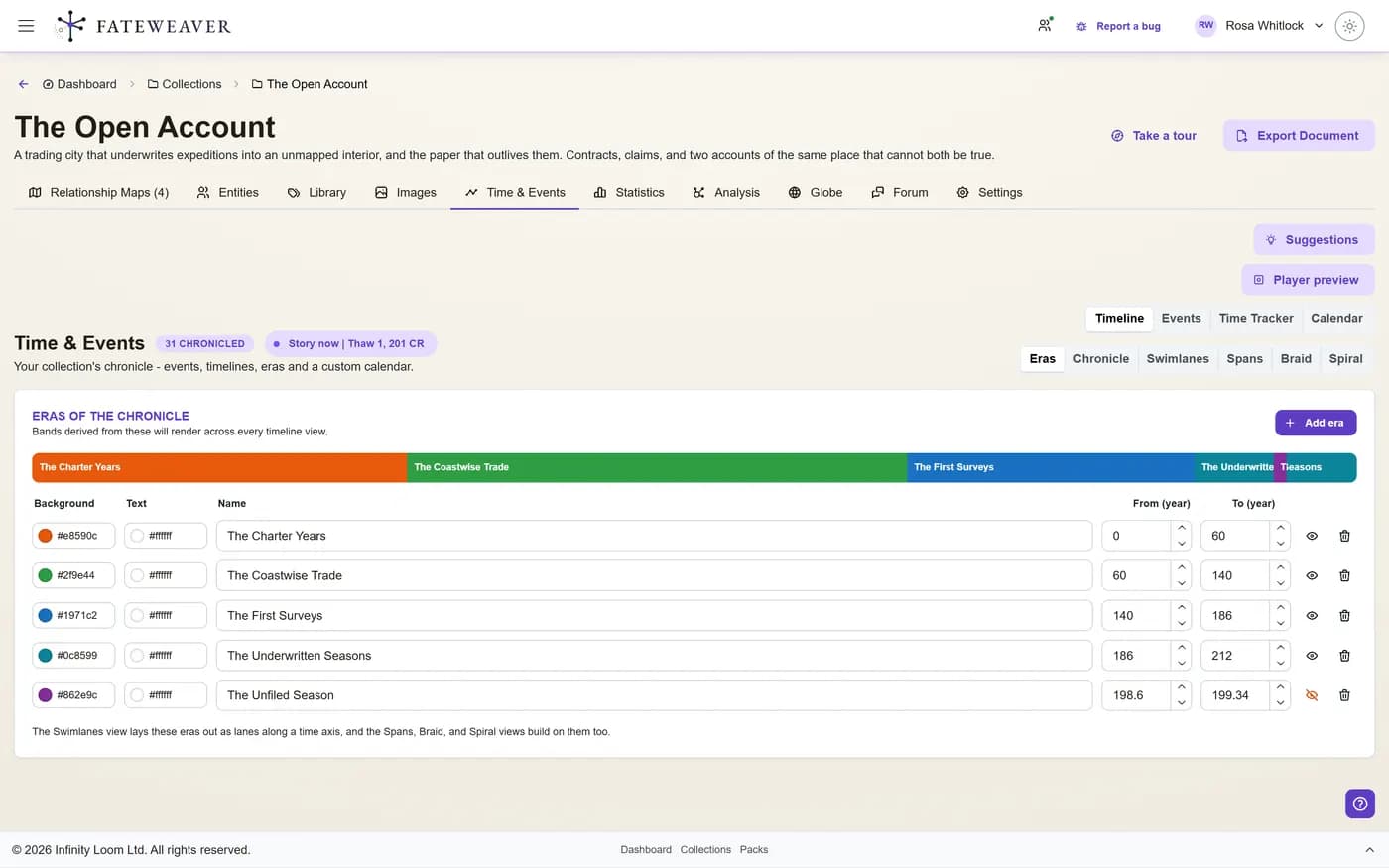
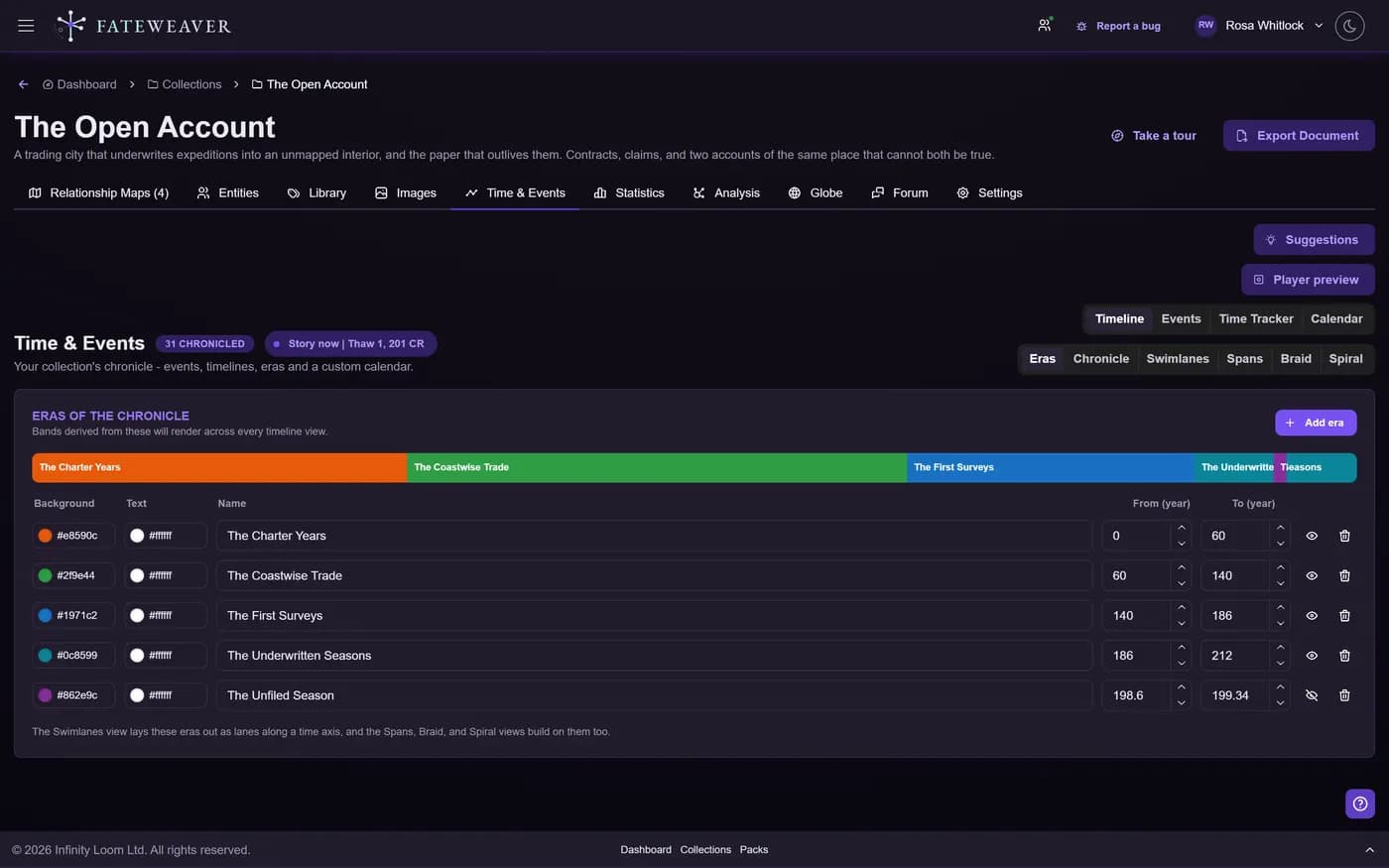
Build a Timeline
Place dated events along the eras of your world and read them however suits the moment.
- Eras and ages
- An annotated chronicle spine
- Swimlanes and spans
Events & Participants
Every event records who was there, what it led to, and how to find it again.
- Participants with named roles
- Causal links: leads to, caused by
- Event tags, with table, card, and graph views
Calendar & Story Now
Keep time on your own calendar and move the whole world to any moment.
- Custom months, weekdays, and moons
- A Story Now scrubber
- The relationship map re-weaves over time
Common workflows
Chronicle a campaign
Turn session-by-session history into a timeline your whole table can read.
- Add an event per session
- Group them under eras
- Tag the turning points
Find the present moment
Set Story Now and the relationship map shows the world exactly as it stands then.
- Drag the Story Now scrubber
- Watch entities and ties appear
- Pause on any year
Nine ways to look at the same history
Braid
One strand per character, pinching together wherever their paths cross. The view for "when were these two ever in the same room?"
Spiral
History wound around a coil, so a long age fits on one screen and recurring seasons line up with each other.
And the rest
Eras, the chronicle spine, swimlanes, spans, a table, cards, and the event graph. Same events, whichever one answers the question you have.
Tips
- Give each era a distinct color so the timeline reads at a glance.
- Use event roles to keep participants consistent across events.
- Define your calendar early so every date formats the same way.
Related examples
World Timeline
A worked example: eras, dated events, and a custom calendar for a fantasy realm.
See the World Timeline exampleMore on this: all features · pricing · FAQ. Signed in? The help button in the corner of the app has step-by-step articles, a keyboard reference, and a guided tour for every page.