Graph Insights
Your map is a network, so read it like one. Find the characters that hold everything together, the groups that cluster, and the exact path between any two entities. Graph Insights come with the Starter plan and up, Suggestions with Pro; the map itself is free.
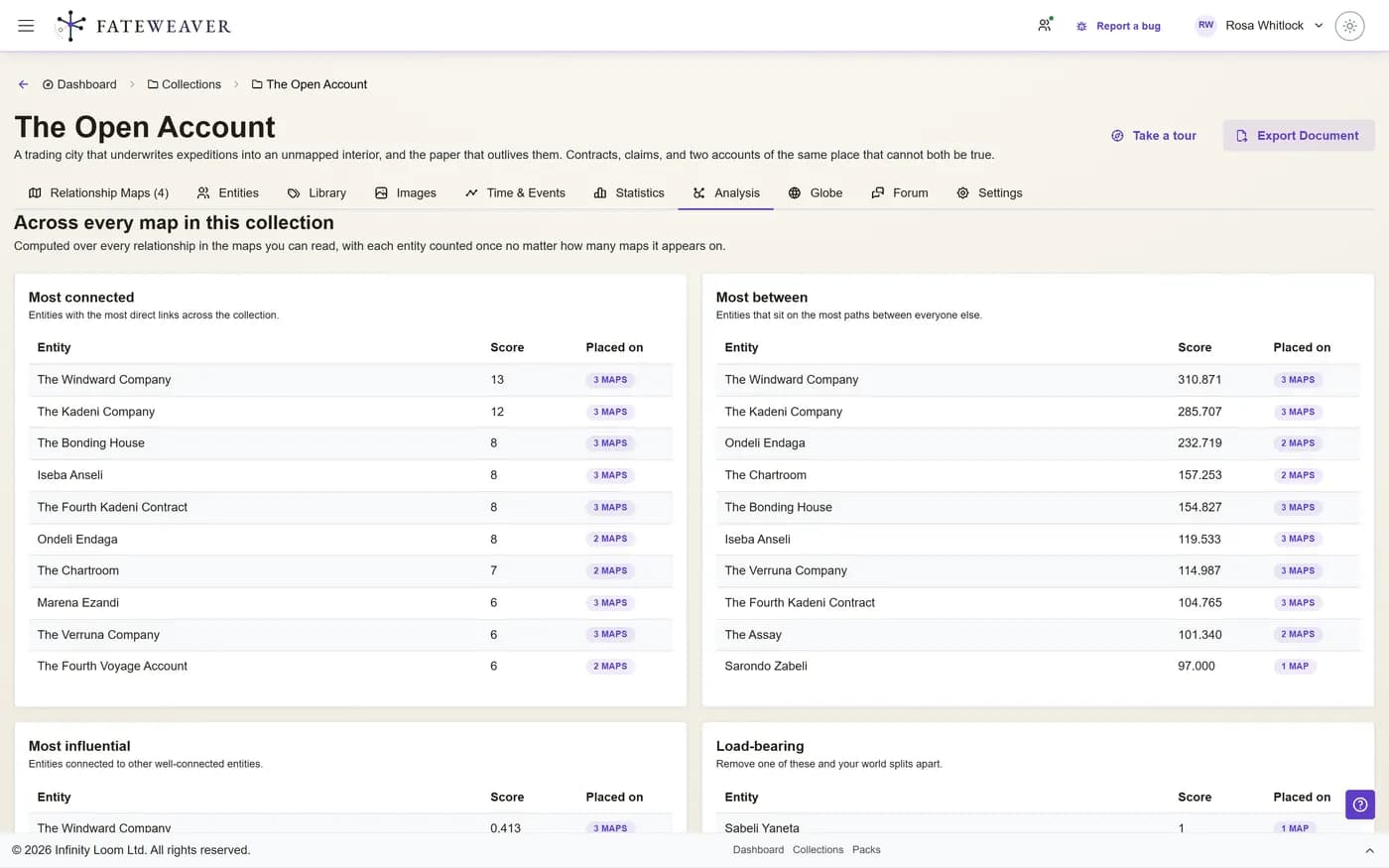
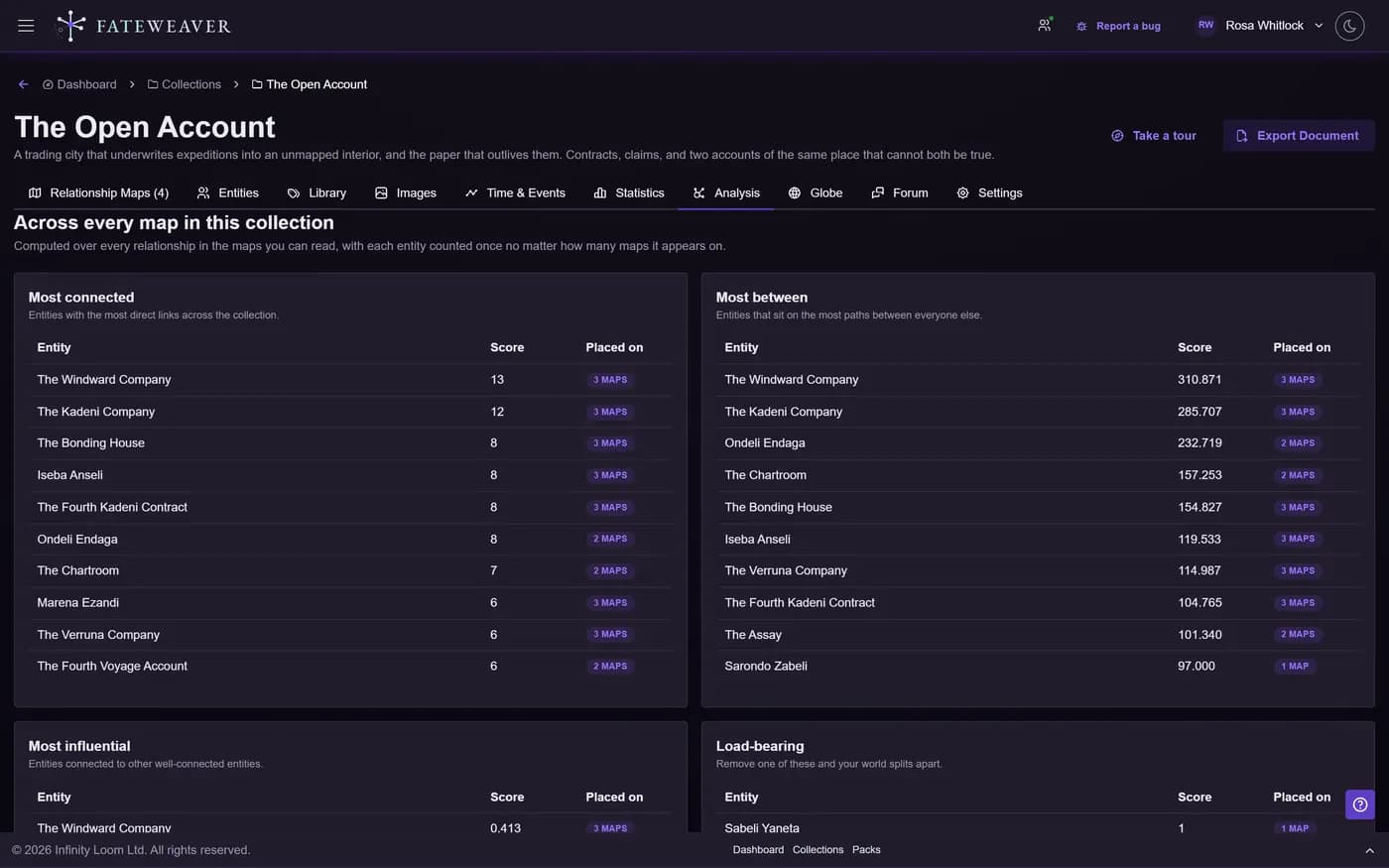
Centrality & Hubs
Rank entities by how connected and how influential they are, so the key players stand out.
- Who has the most direct ties
- Who bridges otherwise separate groups
- Who is tied to the well-connected
Communities & Structure
Detect tightly-knit groups and the connections that hold the whole world together.
- Auto-detect communities and cliques
- Find the make-or-break connectors
- Measure how densely the world is linked
Paths & Reach
Trace how any two entities connect, or pull everyone within a few hops of a character.
- Shortest path between any two
- Everyone within a few steps of a character
- See how a thread connects end to end
Common workflows
Who really runs this faction?
Use centrality to find the entity everything routes through, even if it is not the one with the title.
- Rank by ties and by bridging
- Spot the quiet power broker
- Confirm with a neighborhood view
How does the stable boy connect to the throne?
Pick two entities and let the shortest path reveal the chain between a minor NPC and the crown.
- Select source and target
- Read the connecting path
- Discover links you forgot existed
Suggestions
ProThe same graph theory, pointed forwards. Fateweaver reads the shape of what you have built and proposes connections you have not drawn yet: two characters with everything in common and no link between them, a faction that should reach a place it never touches, a gap in your timeline where an event belongs. No language model is involved and nothing leaves your world.
- Relationship suggestions from map and cross-map structure
- Timeline suggestions from your chronicle
- Dismiss what you do not want; it stays dismissed
Tips
- On busy maps, filter to one collection or tag first so the metrics stay readable.
- Use community detection to seed folders, then refine the grouping by hand.
- The statistics page gives entity, relationship, and density counts at a glance.
Related examples
Great Houses
A dense political web where hubs, bridges, and paths really earn their keep.
See the Great Houses exampleCharacter Web
A smaller web to see how typed relationships shape the structure.
See the Character Web exampleMore on this: all features · pricing · FAQ. Signed in? The help button in the corner of the app has step-by-step articles, a keyboard reference, and a guided tour for every page.