Tags
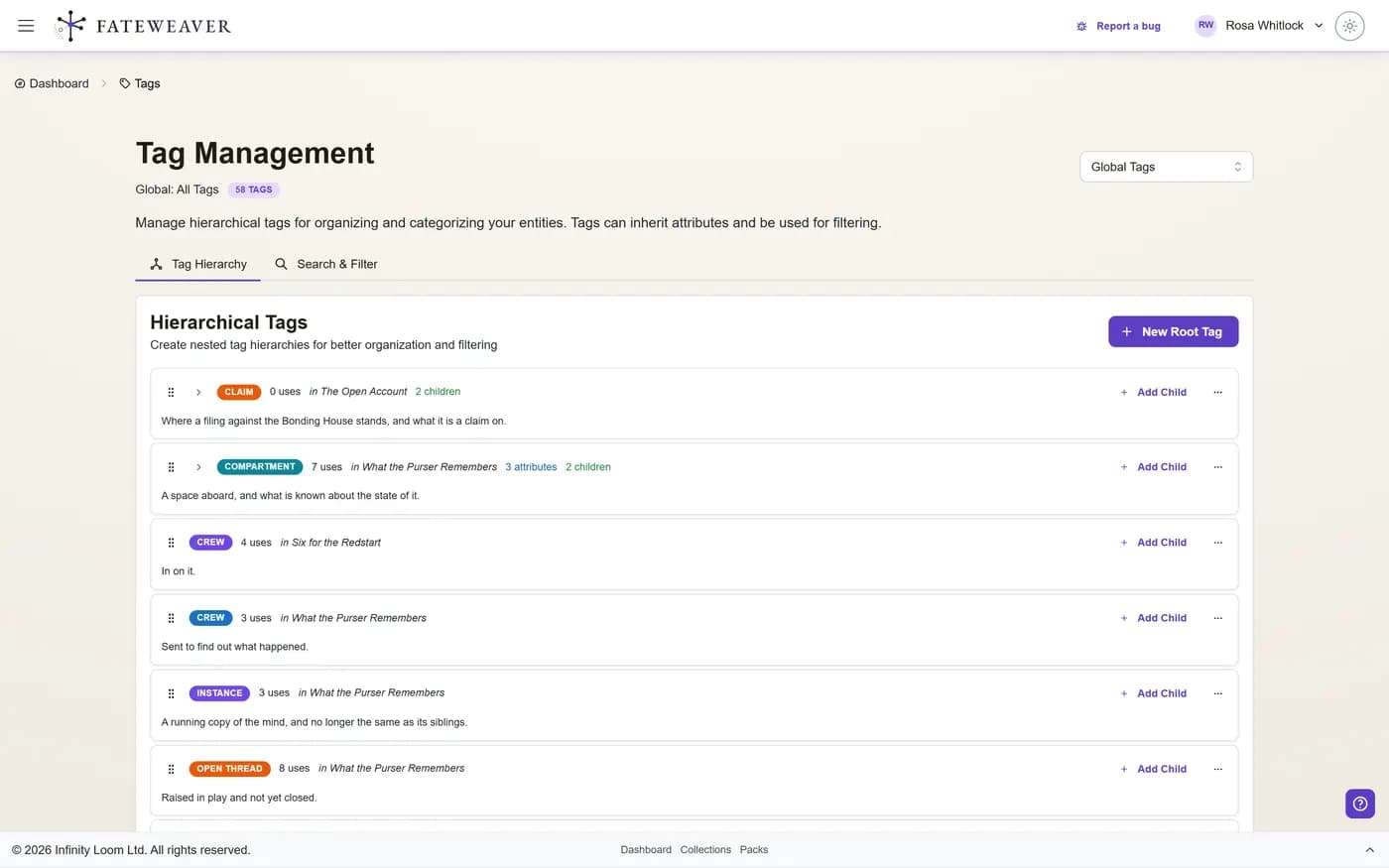
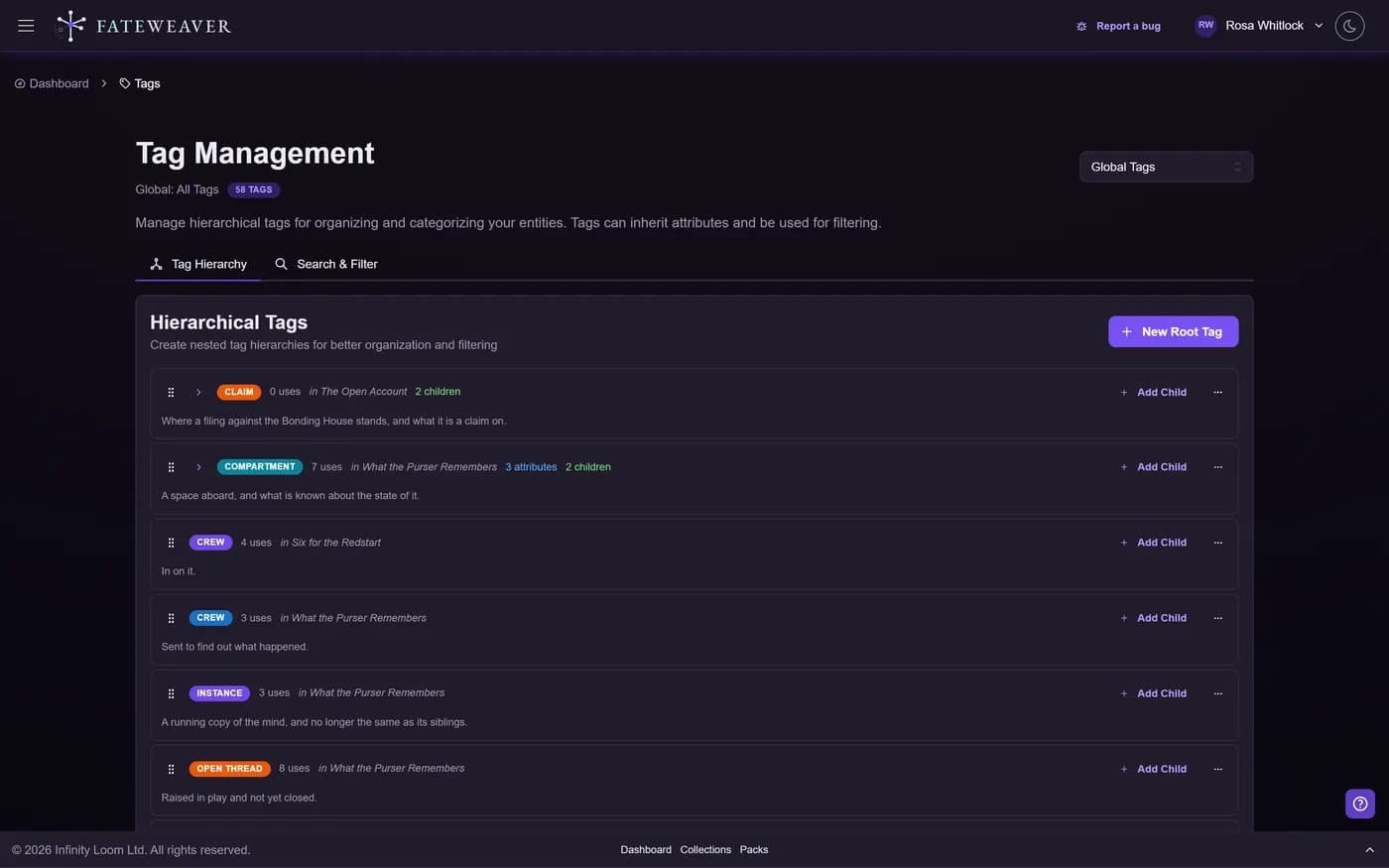
Use tags to label characters, locations, factions, and notes. Tags power flexible filtering and discovery across your content.
Flexible Categorization
Add multiple tags to any item. Create thematic groups that cut across collections and maps.
- Stack tags (e.g., "villain", "noble", "season-2")
- Filter maps and search by tag
- Reuse tag sets across related workflows
Cross-Collection Views
Tags enable views like "all capitals," "chapter-3 cast," or "ancient artifacts," regardless of where items live.
- Save a search or share a filtered view
- Combine with relationship-type filters
- Great for continuity tracking
Tag Conventions
Agree the names before the map fills up, so a tag means the same thing in chapter one and chapter nine, and to everyone at the table.
- Use prefixes like "arc:" or "season:"
- Keep case consistent (lowercase recommended)
- Document shared tag meanings
Common workflows
Casting call
Tag major and minor characters by appearance or chapter to build quick pull lists.
- "chapter-5" + "npc"
- "season-2" + "antagonist"
- Save the search for next session
World elements
Mark locations as "capital", "ruins", or "holy-site" to power travel planning and lore checks.
- Multi-tag locations by theme
- Filter maps to focus exploration
- Cross-reference with factions
When a label is not enough: fields
A tag says a character is nobility. A field says which house, which title, and the year they were granted it. Define the fields your world needs and they become searchable, filterable, and chartable.
- Typed fields on entities, tags, and events
- Search for everything holding a field, or holding one answer
- Color a map by the value of a field to see the pattern
- Promote a field you keep retyping into a proper definition
Tips
- Create a short list of standard tags before a campaign begins.
- Use tags to fill gaps in search (e.g., "plot-hook").
- Between arcs, review your tags and merge the duplicates that crept in.
More on this: all features · pricing · FAQ. Signed in? The help button in the corner of the app has step-by-step articles, a keyboard reference, and a guided tour for every page.