Global Search
Find characters, locations, factions, notes, and relationships. Combine text, tags, and filters to narrow results.
How it works
From one search box to a filtered map.
Type a name and search every collection at once
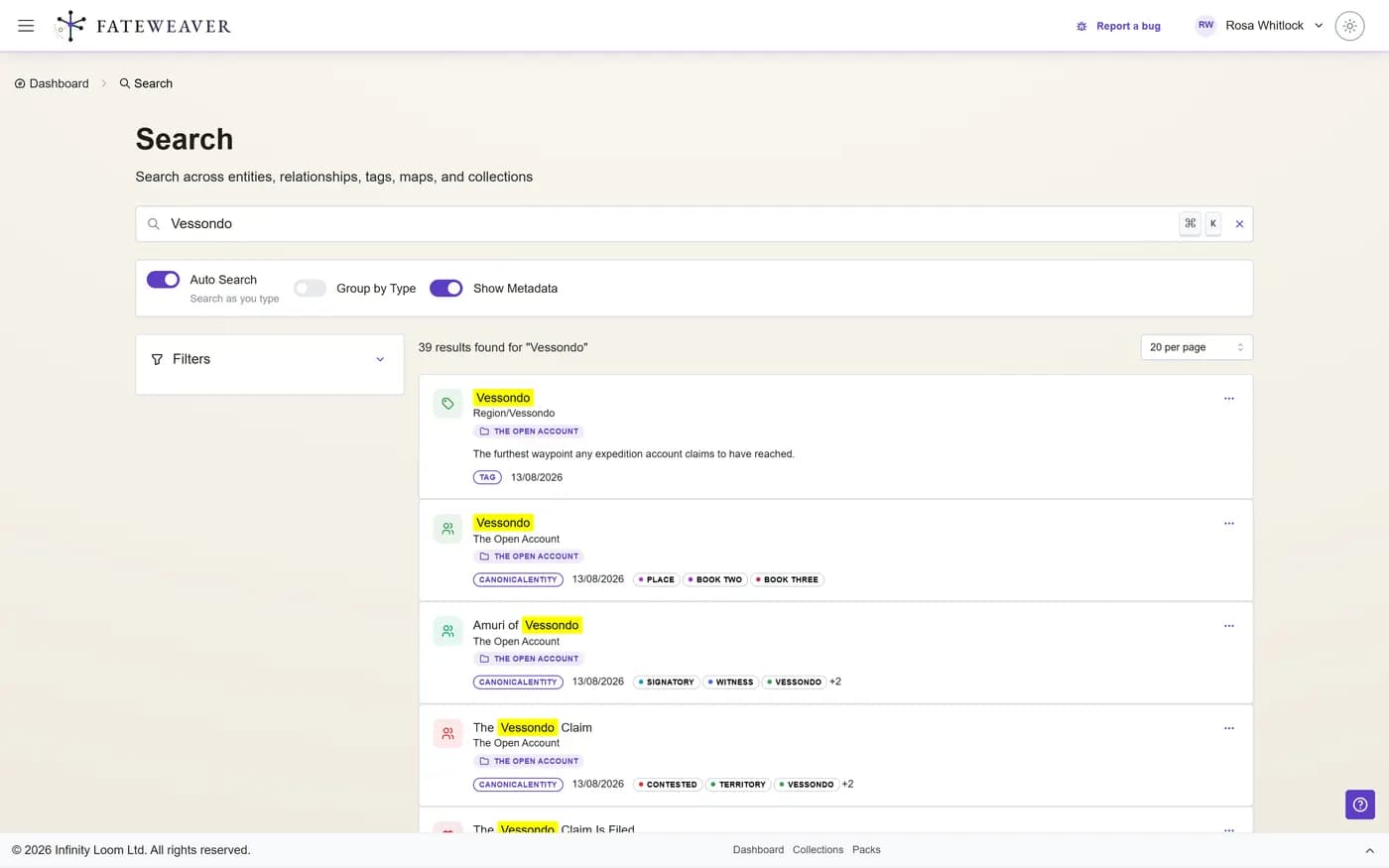
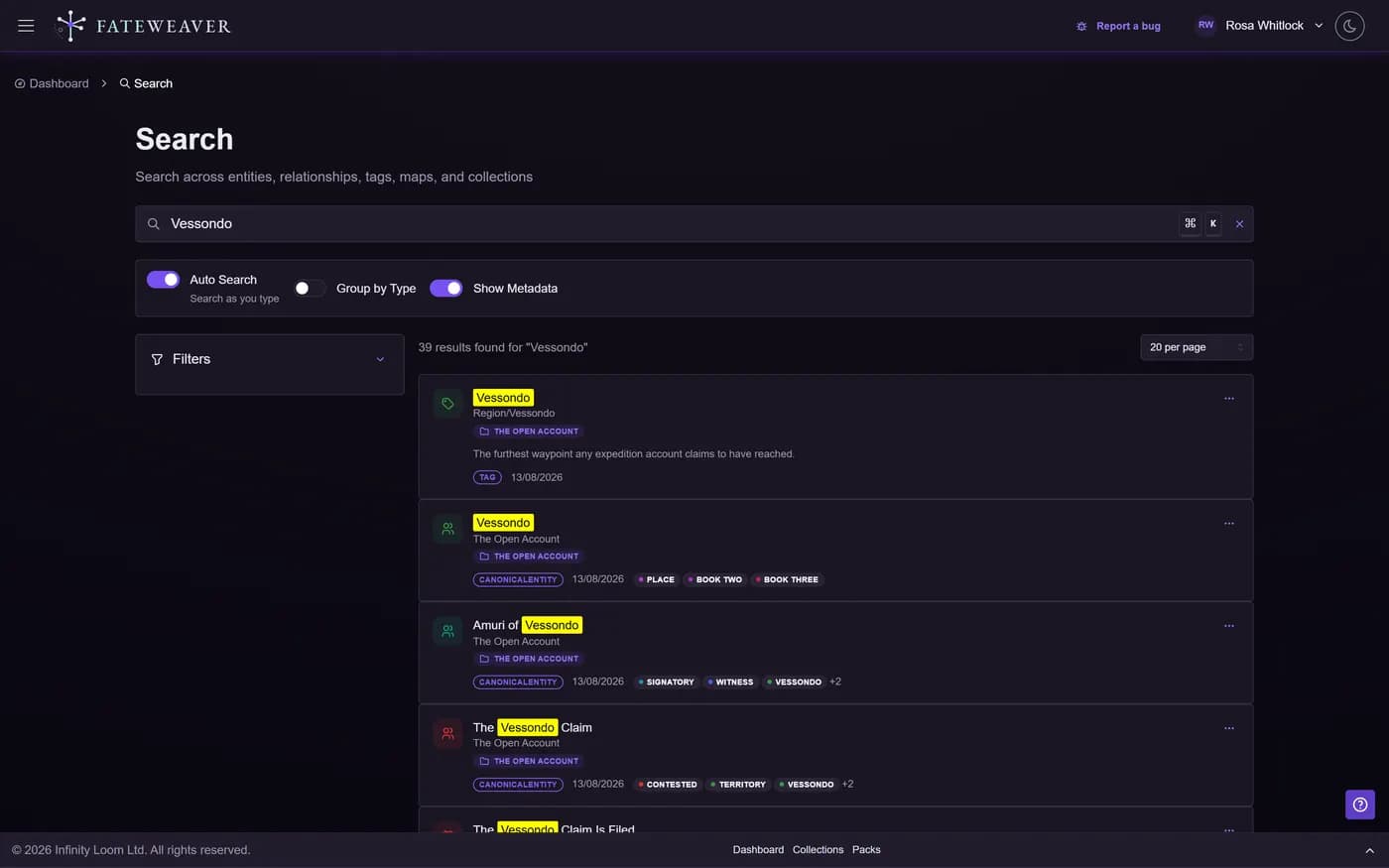
One search covers entities, relationships, tags, maps and collections. Results come in as you type, with the matching words highlighted.
- Each result shows what it is, which collection it is in, and its tags
- Group the results by type, or keep them in one list
Narrow the results, down to a single field
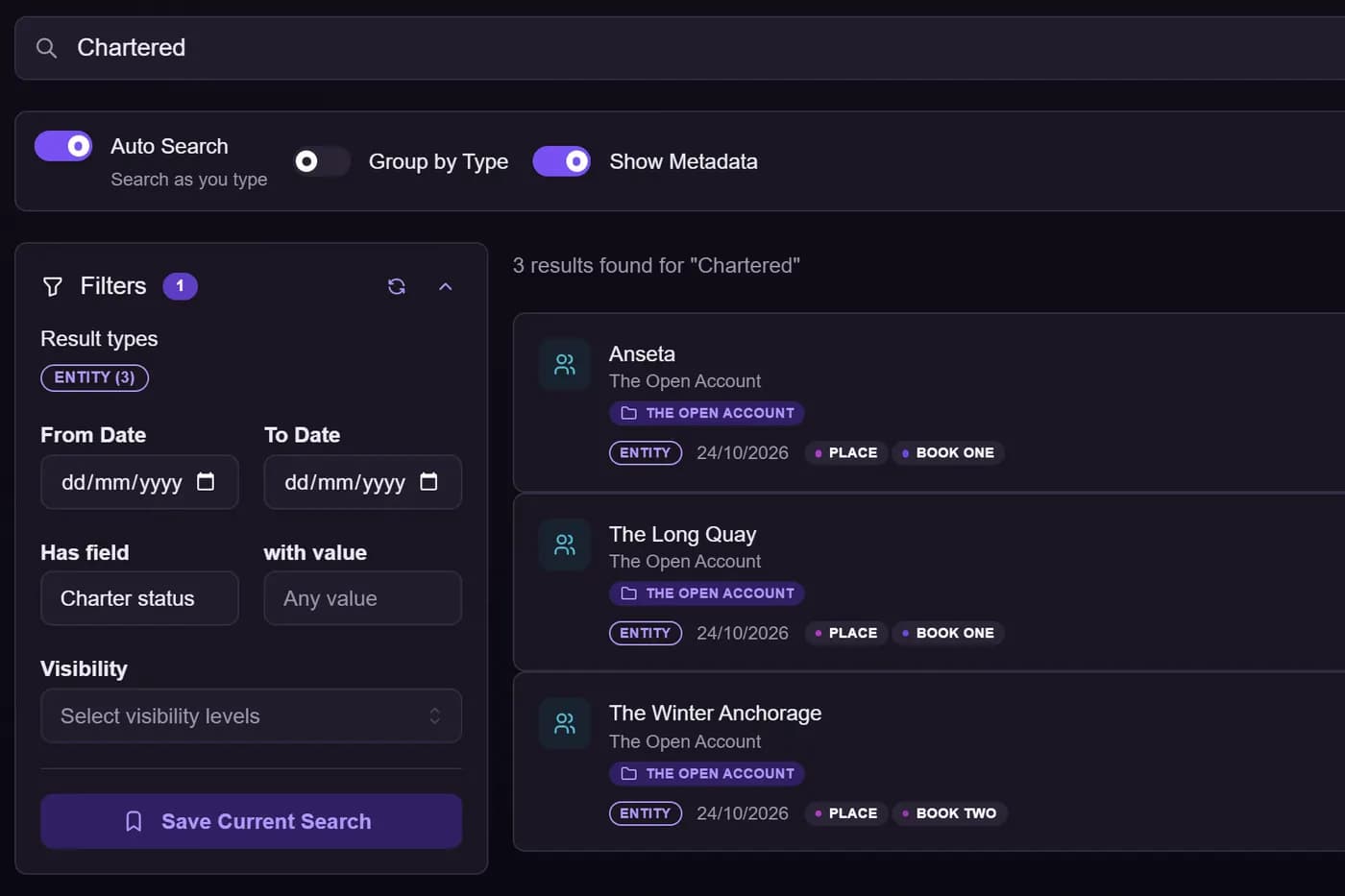
Open Filters to cut a long list down. Only the kinds of result your search found are offered, each with a count.
- Result kind, tag, relationship type, map and collection
- A date range
- Ask for everything that holds a field at all, or narrow to one answer: every place with a Charter status, say
- Visibility, to find what your players cannot see
- Tags carry across collections, so one query spans every world
- Name a search with its filters and reopen it later
Chartered, narrowed to the places that have a Charter status. Inside a collection, filter the entity table
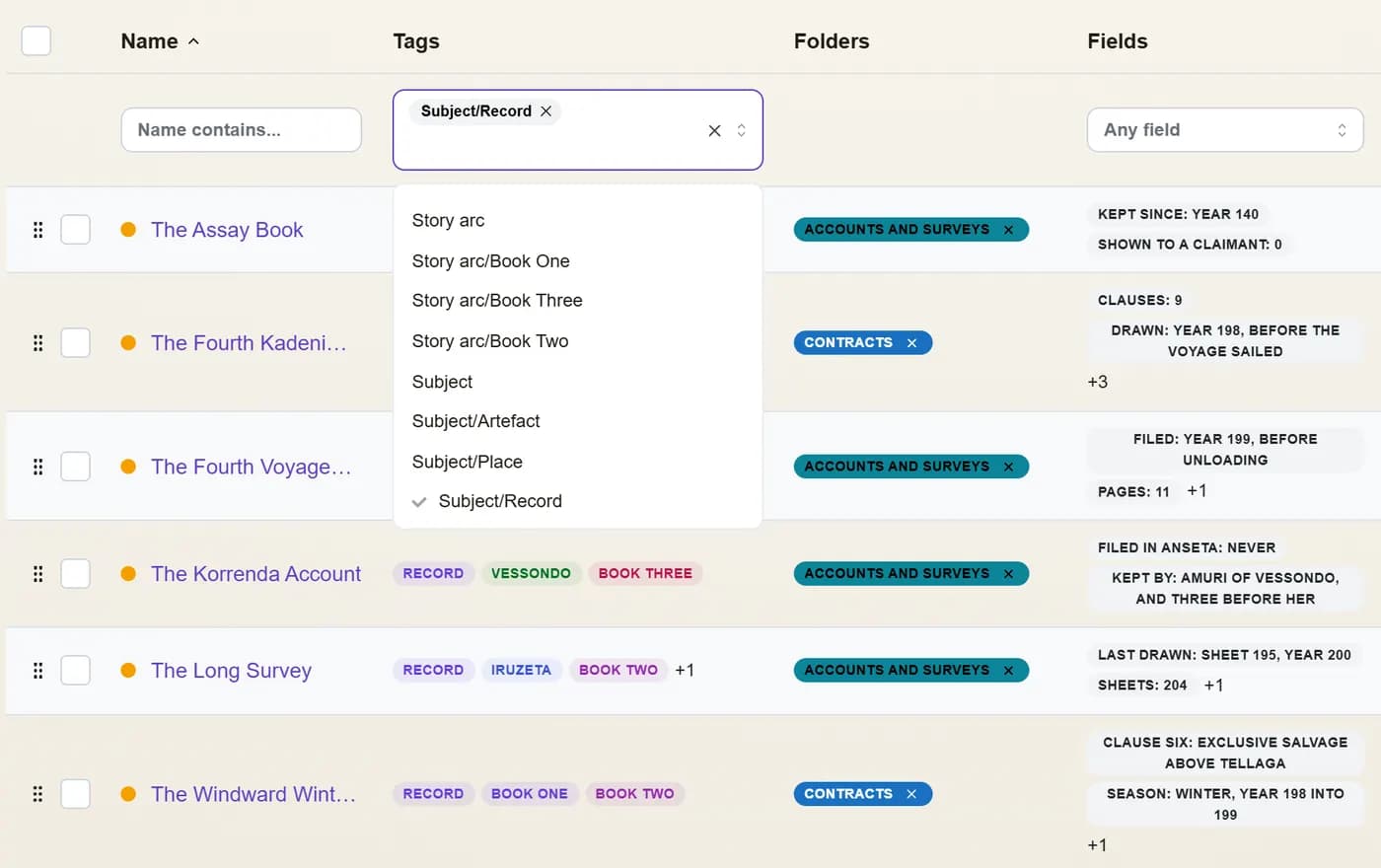
Each column of a collection's entity table has its own filter. Pick a tag and the table keeps only the entities that carry it.
- Filter by name, tag, field, visibility, or the maps an entity is on
- Pick one tag or several
One tag picked from the list. The table keeps the records. On a map, filter by relationship type
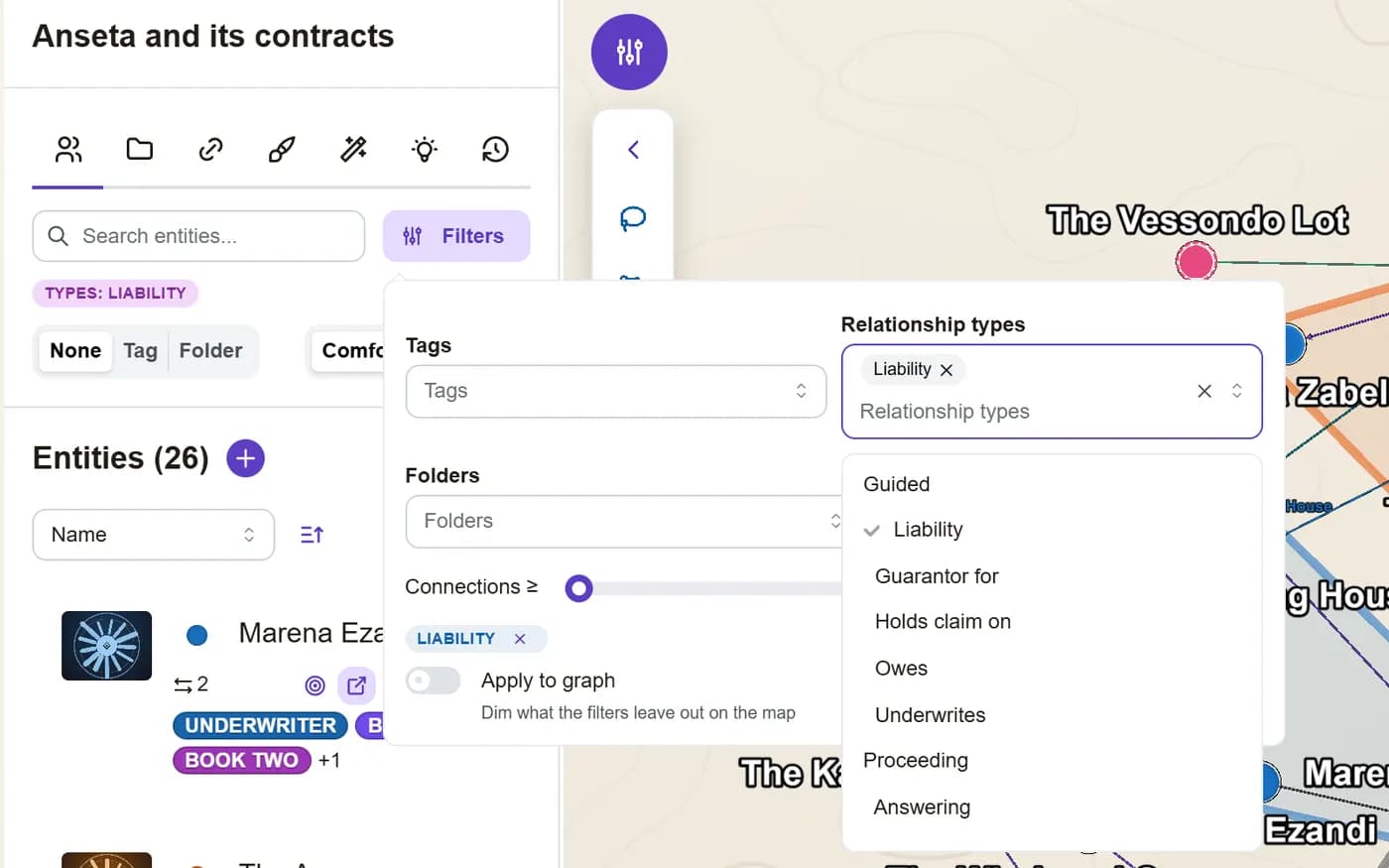
A relationship map's filters narrow its entity list by tag, folder, number of connections or relationship type. Pick a family such as Liability and it takes in every type under it.
- Relationship types are listed under their families
- A type added to the family later is taken in too
Picking the family picks the four types under it. Fade the rest of the map
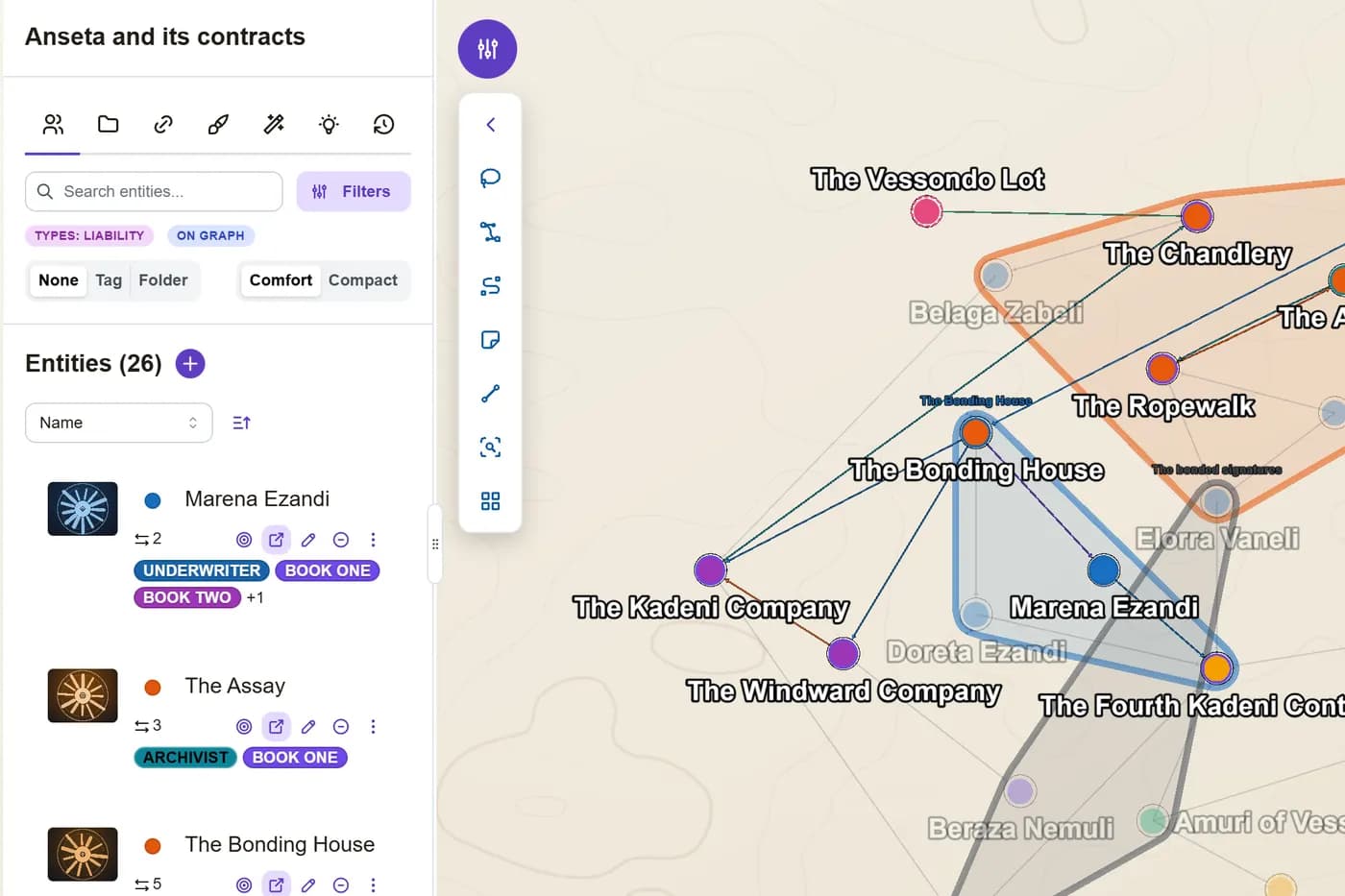
Turn on Apply to graph and the map dims everything the filters leave out. Nothing is hidden, so the map keeps its shape and the matches stand out.
- An On graph chip under the sidebar search shows the map is filtered
Everything outside the Liability family fades back.
Tips
- Start broad, then narrow with tags and result kinds to avoid missing relevant results.
- Save the queries you run every session; bookmark the one-offs, since filters live in the URL.
- Combine relationship-type and tag filters when you are checking continuity.
Related features
More on this: all features · pricing · FAQ. Signed in? The help button in the corner of the app has step-by-step articles, a keyboard reference, and a guided tour for every page.