Collections
Group entities, maps, and notes into structured projects. Collections keep your worlds organized and easy to navigate.
Structure
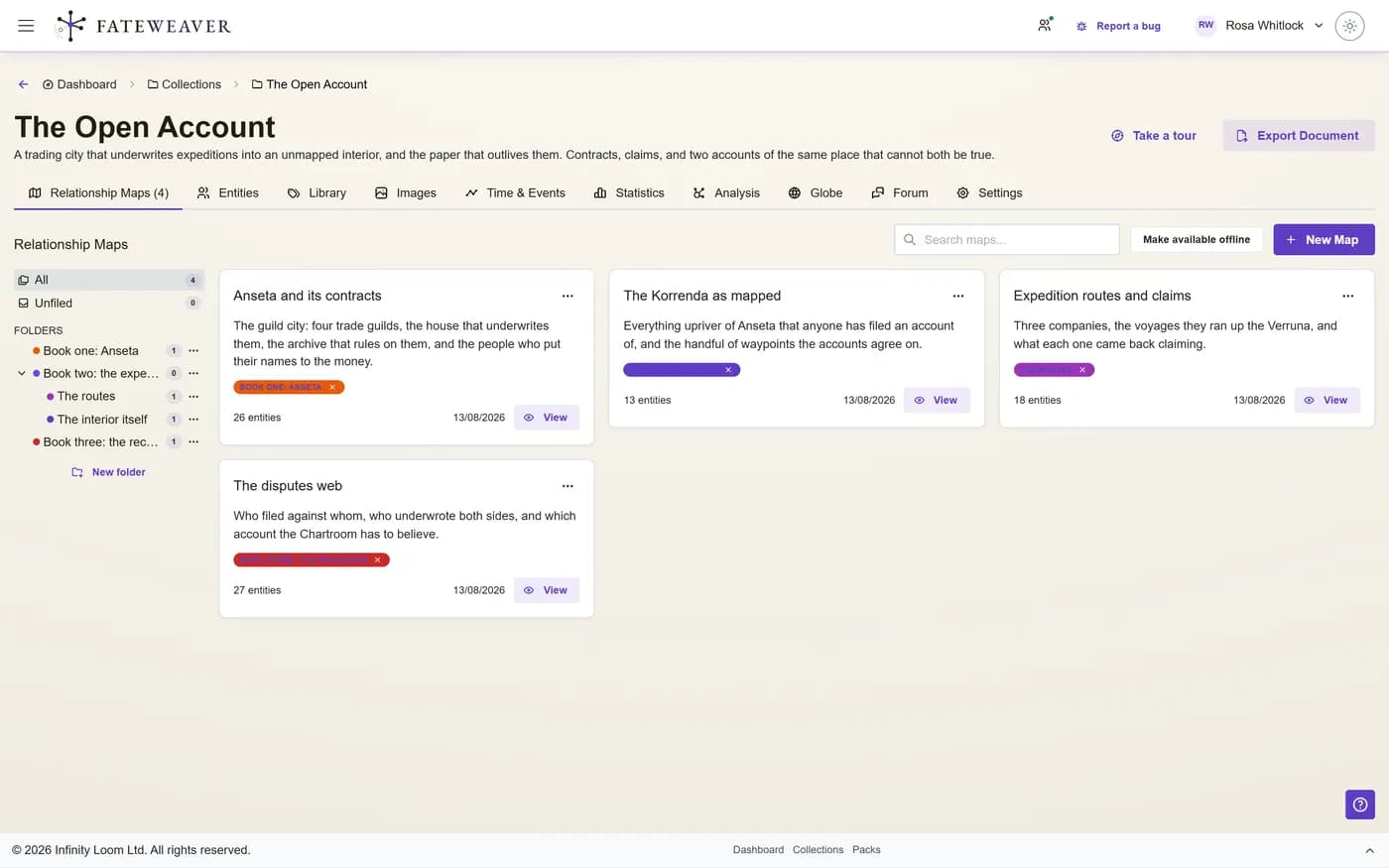
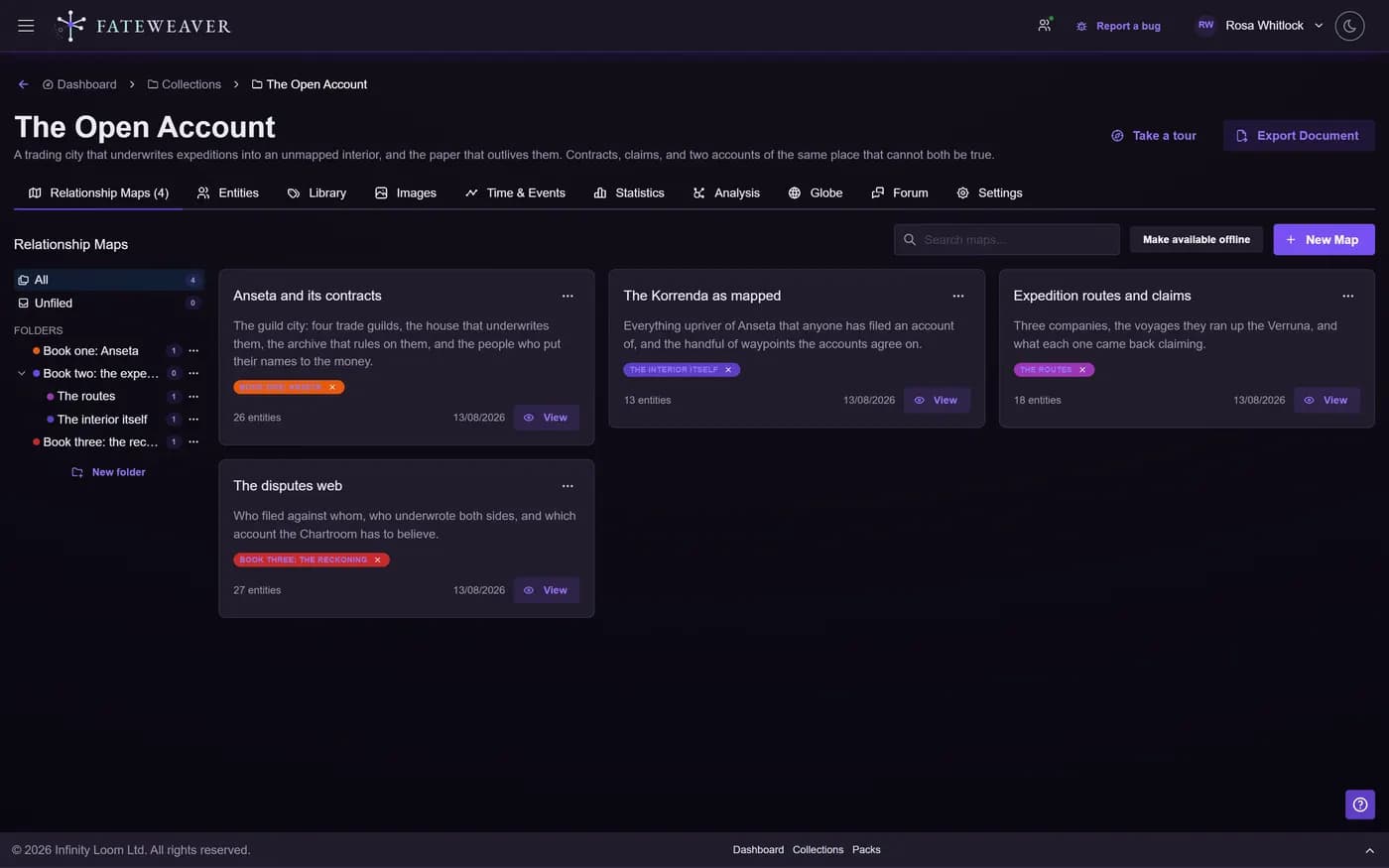
Organize content by campaign, book, setting, or team. Keep everything related in one place.
- Attach maps and images
- Group related entities
- Notes and typed fields on every entity
Folders & Filters
StarterFilters are on every plan. Folders, which group a map's entities by topic or arc, come with the Starter plan.
- Folder groups by topic or arc
- Tag- and relationship-type-aware filtering
- Reorganize as your structure evolves
Sharing & Roles
StarterInvite Viewers and Editors by email on the Starter plan and up. Free is a solo plan, so a shared world needs a paid owner.
- Viewer and Editor collaborator roles
- Invite collaborators by email
- Live co-editing with cursors on Pro
Common workflows
Campaign binder
Keep locations, NPCs, and session notes together with maps and tags.
- Create a collection per campaign
- Auto-folder by tag, relationship type, or link direction
- Tag sessions and arcs
Writing project
Track characters, chapters, and continuity checks across drafts.
- Folder for characters and locations
- Use tags for themes and motifs
- Link chapters to entity references
Best practices
- Use tags for flexible grouping across multiple collections.
- Keep names consistent (e.g., "Act I", "Act II") to simplify search and sorting.
- Review sharing settings periodically when you add new collaborators.
More on this: all features · pricing · FAQ. Signed in? The help button in the corner of the app has step-by-step articles, a keyboard reference, and a guided tour for every page.