Relationship Maps
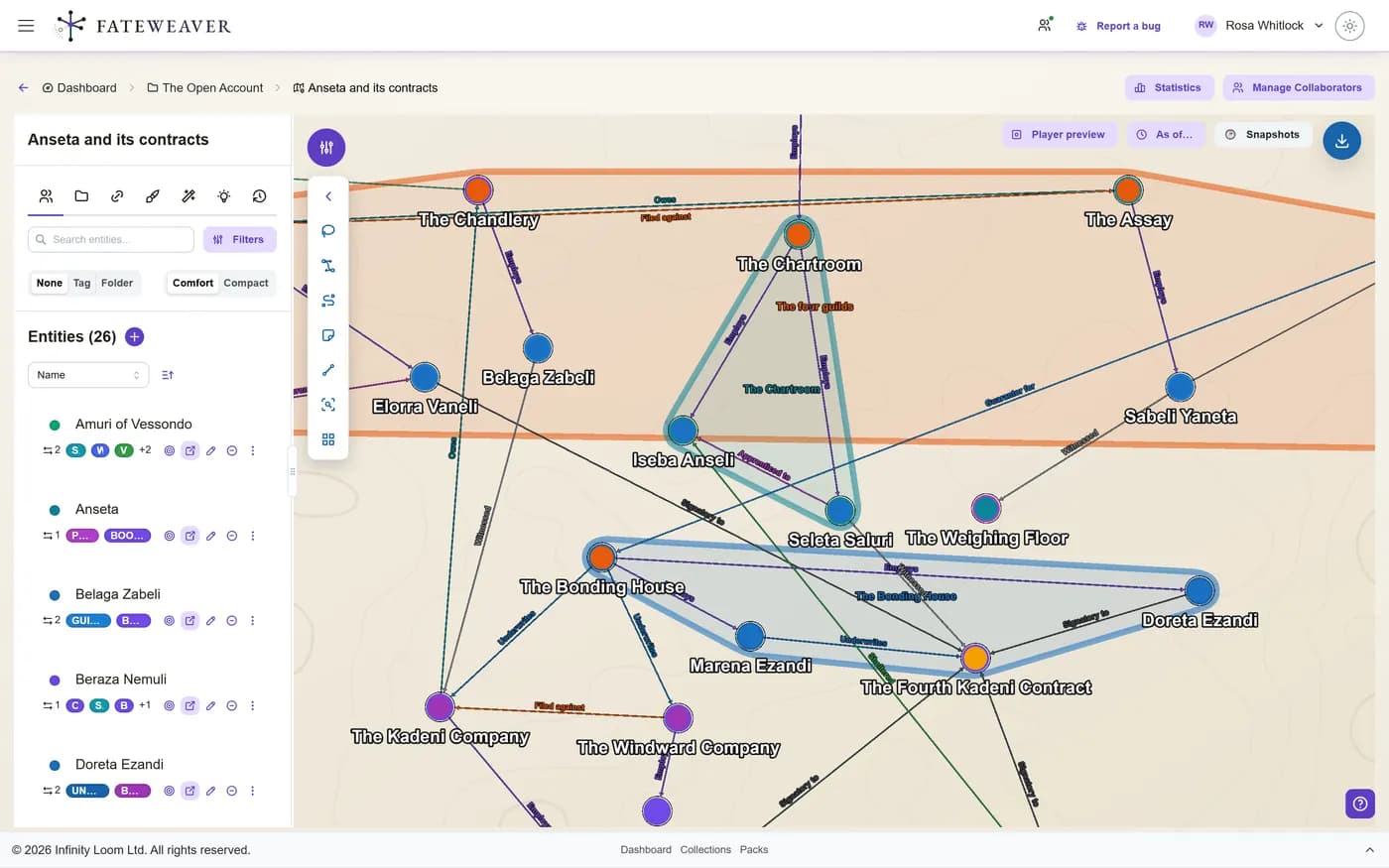
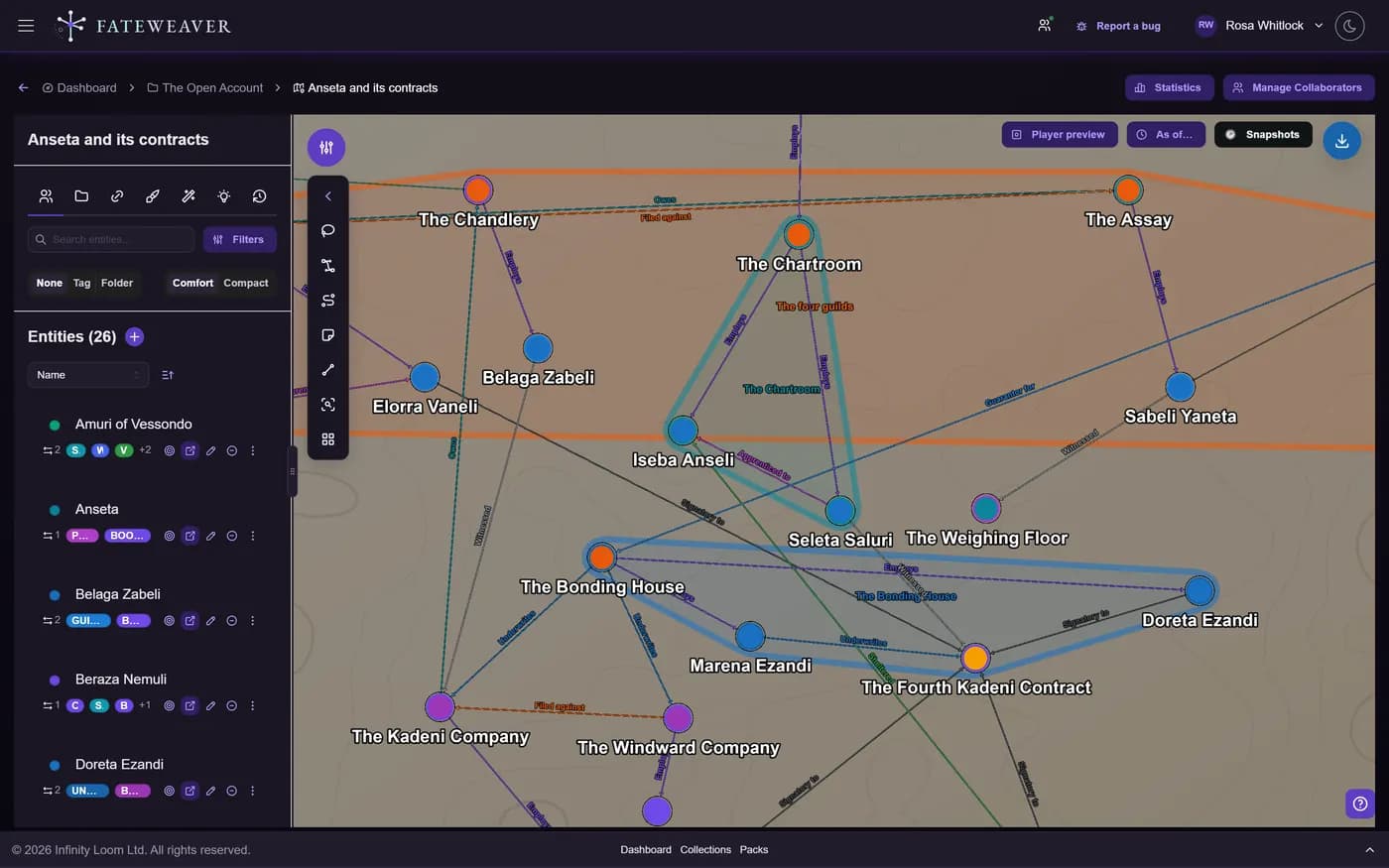
Visualize people, places, factions, and events as a connected network. Use filters and selections to focus the parts of your world that matter right now.
Views & Patterns
Use map views to inspect structure from different angles, from dense clusters to clear chains of command.
- Highlight cluster-heavy regions
- Spot hub-style connections
- Review chain-like relationship paths
Selections & Bulk Edits
Select multiple nodes to retag or apply bulk changes in one pass.
- Multi-select with keyboard and click
- Change tags for many nodes
- Batch updates for selected items
Focus & Filter
Filter nodes by tag, relationship type, or text. Focus on a single faction or spotlight a character's immediate neighborhood.
- Tag, relationship-type, and folder filters
- Neighborhood expansion
- Show only what has a portrait, or only what is well connected
Common workflows
Character web
Map allies, rivals, and mentors to visualize dramatic tension.
- Start with key characters
- Add relationships with types
- Apply an auto-layout: Organize, Grid, Circle, or Hierarchy
Faction influence
Show how factions connect to locations and leaders.
- Filter to just factions + leaders
- Inspect chains of influence and who answers to whom
- Capture a reference view for session notes
Draw on the map
Notes, labels, and lines
Add sticky notes, region labels, and drawn lines straight onto the canvas: the border nobody agrees on, the route the party took, the question you have not answered yet. Annotations can be kept owner-only, and you choose whether they appear in an export.
Your own backdrop
Put a drawn map, a floor plan, or a star chart behind the graph and place your entities on top of it, so the network sits where it actually happens.
Tips
- Use zoom controls / and pan with drag to inspect clusters.
- Keep relationships typed (ally, rival, member of) for better filtering and readability.
- When the map is busy, filter by tag or open only one collection to reduce noise.
Related examples
Character Web
A web of heroes, rivals, and factions, with the typed edges that keep it readable.
See the Character Web exampleCollaborative Session
One shared map that keeps a whole table aligned during play.
See the Collaborative Session exampleMore on this: all features · pricing · FAQ. Signed in? The help button in the corner of the app has step-by-step articles, a keyboard reference, and a guided tour for every page.