Packs & Templates
Set up your tags, relationship types, and event vocabulary once, then carry that system into every new world. Apply a pack in one step, and undo it just as easily. Packs come with the Starter plan and up; the Library that feeds them is on every plan.
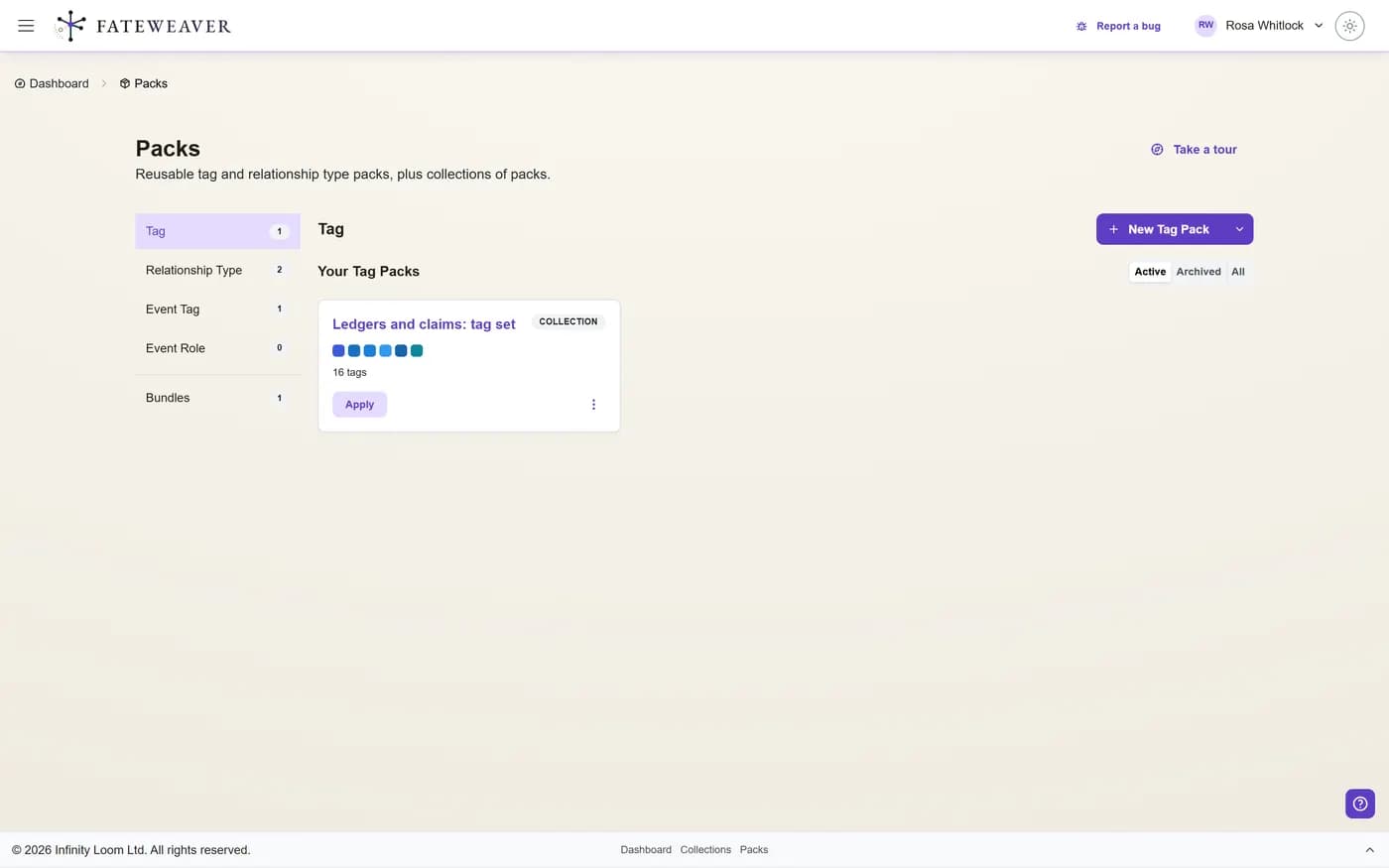
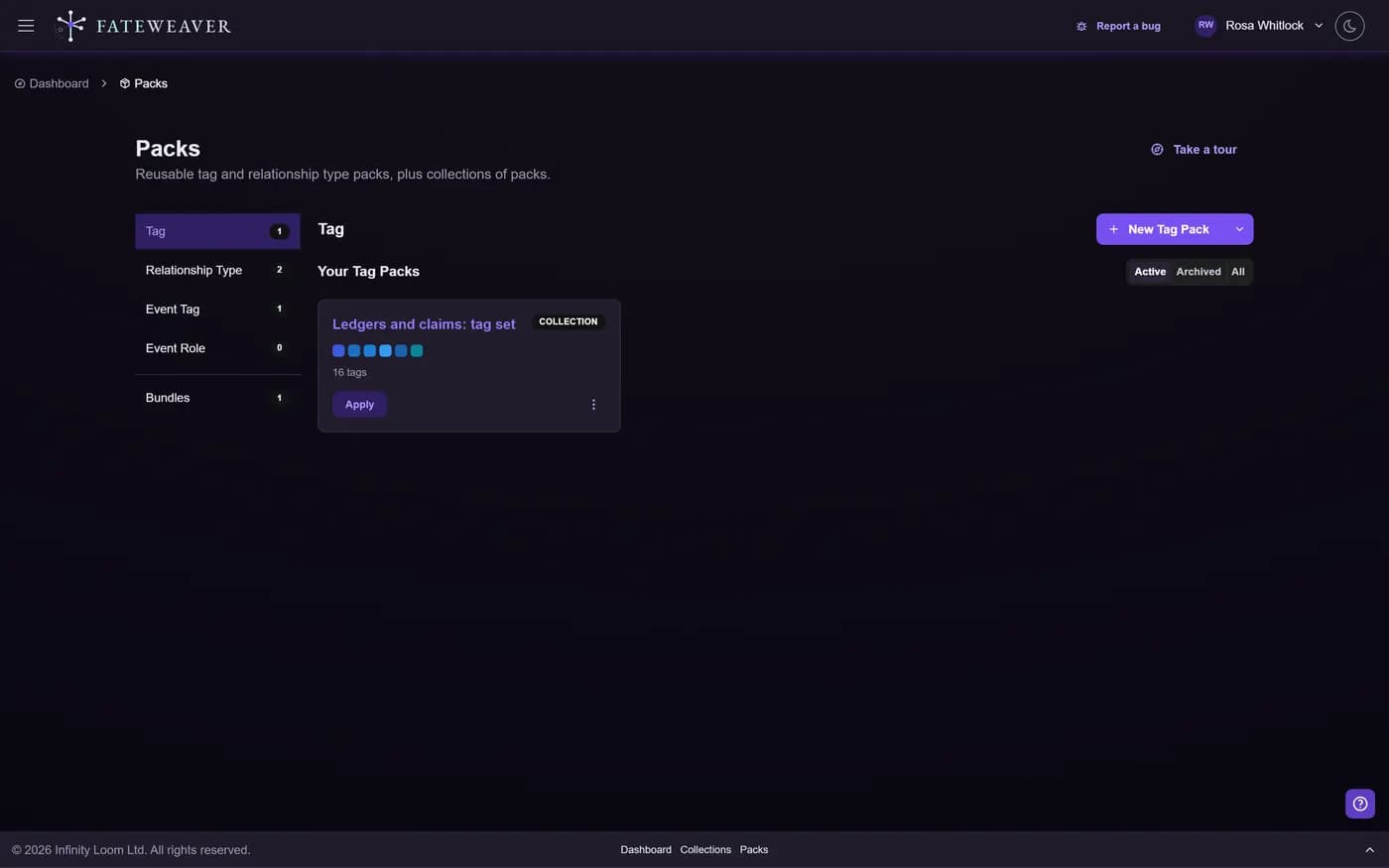
Reusable Taxonomy
Bundle the tags and relationship types you use again and again into a named pack.
- Tag and relationship-type packs
- Event-tag and event-role packs
- Build a pack from an existing collection
Apply Anywhere
Drop a pack into any map or collection and keep your taxonomy consistent across projects.
- Apply to a new map in one step
- Pack collections bundle several packs
- Consistent system across every world
Safe to Experiment
Preview a pack before it lands, and roll back the whole application if it is not right.
- Preview before applying
- One-click rollback
- Reorder items within a pack
The Library
Every collection has a Library that gathers its vocabulary in one place: World holds your tags and relationship types, Events holds your event tags and roles. Build packs straight from it.
Common workflows
Standardize a campaign
Turn the tags and relationship types from your best campaign into a pack, then reuse them on the next one.
- Build a pack from the collection
- Apply it to the new campaign
- Start tagging from minute one
Share a house style
Bundle your conventions into a pack collection so a whole table or writers' room works the same way.
- Group packs into a collection
- Apply across maps
- Roll back if a convention changes
You do not have to start from an empty list
Ready-made starter packs
Thirty packs ship with the app, covering character archetypes, factions and organizations, story beats, magic systems, sci-fi technology, court politics, bloodlines, quest branching, and more. Apply one and you have a working vocabulary before you have named a single character.
Discover what others published
Browse public packs, collections, and maps by name or tag, preview what is inside a pack before you take it, and apply it to a world of your own.
Tips
- Build packs from the collection whose taxonomy already works well.
- Keep tag names consistent so a pack reads the same everywhere.
- Bundle related packs into a pack collection for one-step setup.
Related examples
Shared Taxonomy
Save one table's tags and relationship types as a pack, then apply it to the next world.
See the Shared Taxonomy exampleGreat Houses
A rich set of house, faction, and allegiance tags worth saving as a pack.
See the Great Houses exampleLore Cross-Reference
Reuse a continuity-tracking taxonomy across chapters and sessions.
See the Lore Cross-Reference exampleShared Taxonomy Preview
Save a collection's vocabulary as a pack, then apply it to the next world in one step. This is a read-only preview; building and applying packs happen in the app.
1. The Library
World: Tags
World: Relationship types
Events: Event tags
Events: Event roles
2. A Pack
Bundle the vocabulary you reuse into a named pack, ready to carry into any collection.
Great Houses Starter
3. Apply Anywhere
Preview, then apply the pack to a new collection. Roll the whole thing back if it is not right.
New Campaign
More on this: all features · pricing · FAQ. Signed in? The help button in the corner of the app has step-by-step articles, a keyboard reference, and a guided tour for every page.