Spatial View
A relationship map says who is tied to whom. Spatial View says where they are. Draw your world as a globe or a plan, nest a city inside a continent and a hall inside the city, and pin the people and places of your story where they belong. Spatial View comes with the Starter plan and up.
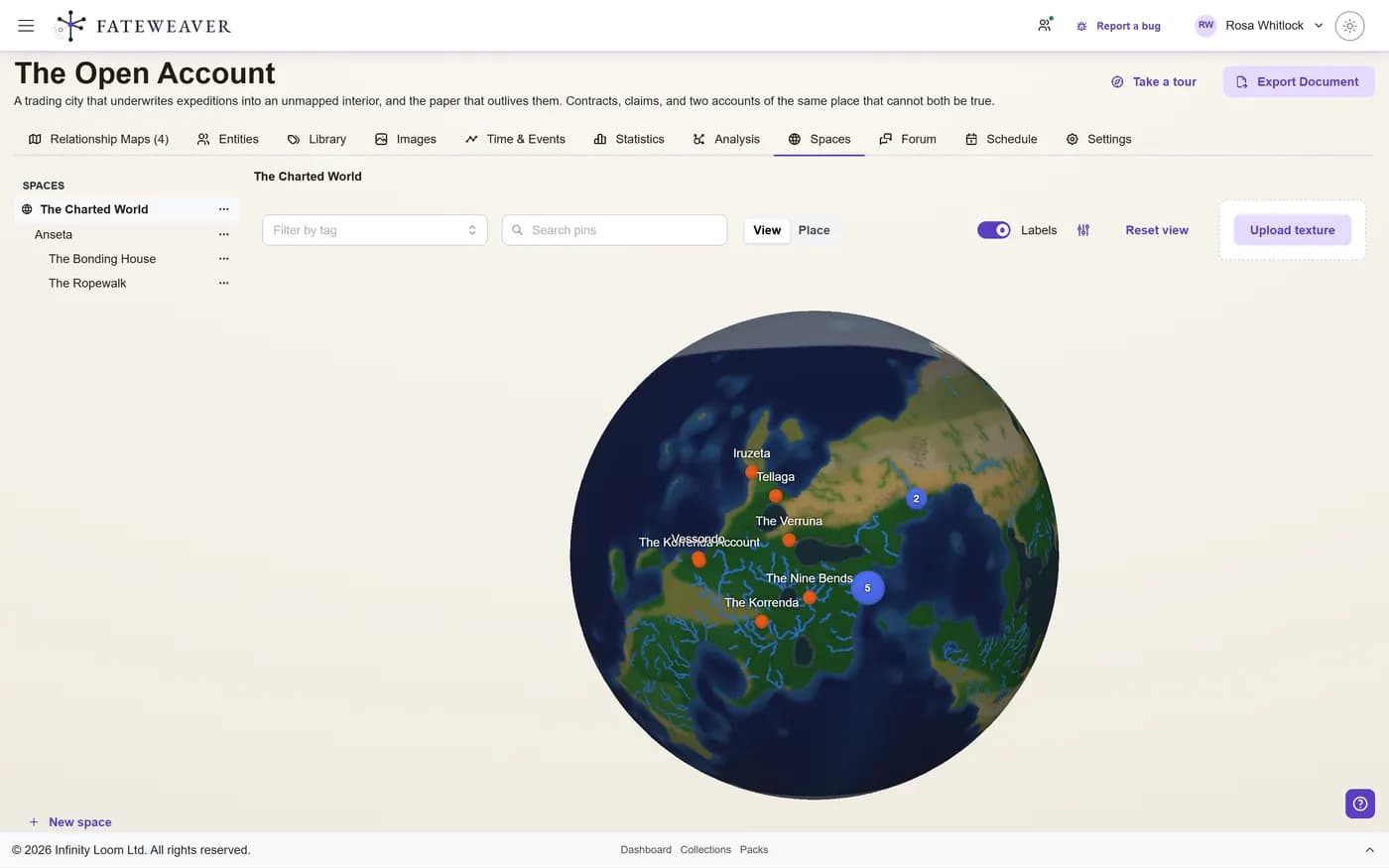
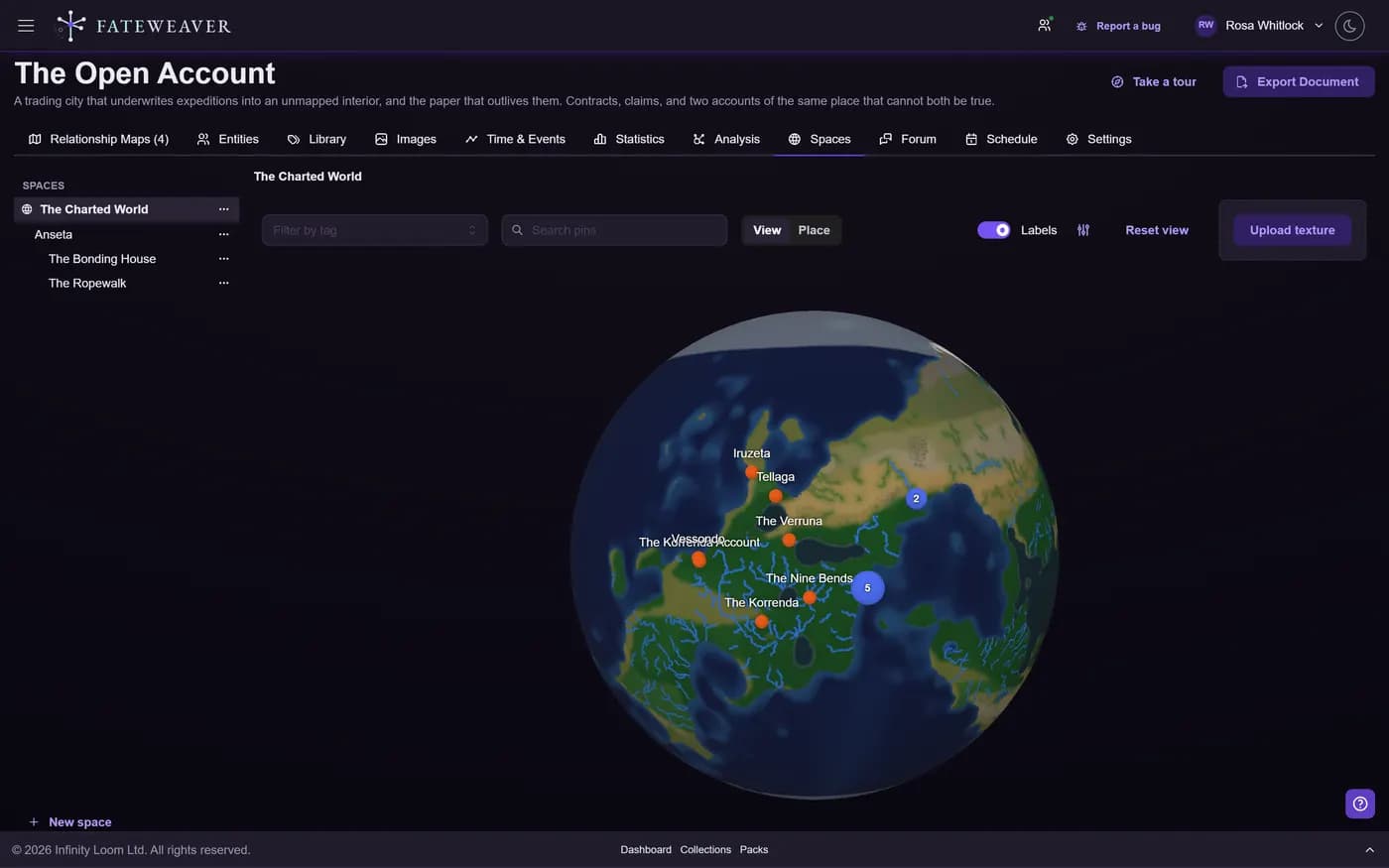
Spheres and Diagrams
Each space is drawn the way it should be read: a planet as a globe, a city or a ship as a plan.
- Wrap a globe in your own world map
- Draw a diagram over a background image
- Three diagram styles to choose from
Spaces Inside Spaces
A space can hold other spaces, so you walk from the world down to the room the scene is set in.
- A tree of every space beside the view
- Child spaces as points or drawn outlines
- Breadcrumbs back up to the world
Pin Your Cast
Place the entities you already have. A space is an entity too, with its own notes, tags, and visibility.
- Pin one character in several spaces
- Filter pins by tag, or search for one
- Hidden entities stay hidden from players
Doors into your maps
Put a relationship map on a diagram as a door. Click it in the harbour plan and you are in the map of who owns which contract there, so the place and the people in it are one step apart. A door opens only for someone allowed into the map behind it.
Common workflows
A campaign that travels
Keep the whole journey on one globe, and the places it stops as plans of their own.
- Upload your world map as the globe's texture
- Pin each town and ruin on it
- Give the towns the party lingers in a plan
A city with secrets
Lay out the districts, then open each one onto the intrigue that runs through it.
- Draw the districts as outlines on a plan
- Add a door to each faction's relationship map
- Hide the smugglers' den until it is found
Tips
- Mark an entity you already have as a space instead of making a new one, so its notes and relationships come with it.
- Start with the space your next session is set in. The rest of the world can wait until the story gets there.
- Use the tag filter before a session to see where every member of a faction is.
More on this: all features · pricing · FAQ. Signed in? The help button in the corner of the app has step-by-step articles, a keyboard reference, and a guided tour for every page.
Your world is already a web
Every connection you are holding in your head is one you could be looking at. Build your first relationship map free, and see the shape of what you have made.
No credit card required • Create your first relationship map free • Export your data anytime