Map Replay
A relationship map is not just where your world is now, it is how it got there. Replay how the map was built, scrub back through its edit history, and see exactly when each entity and tie appeared.
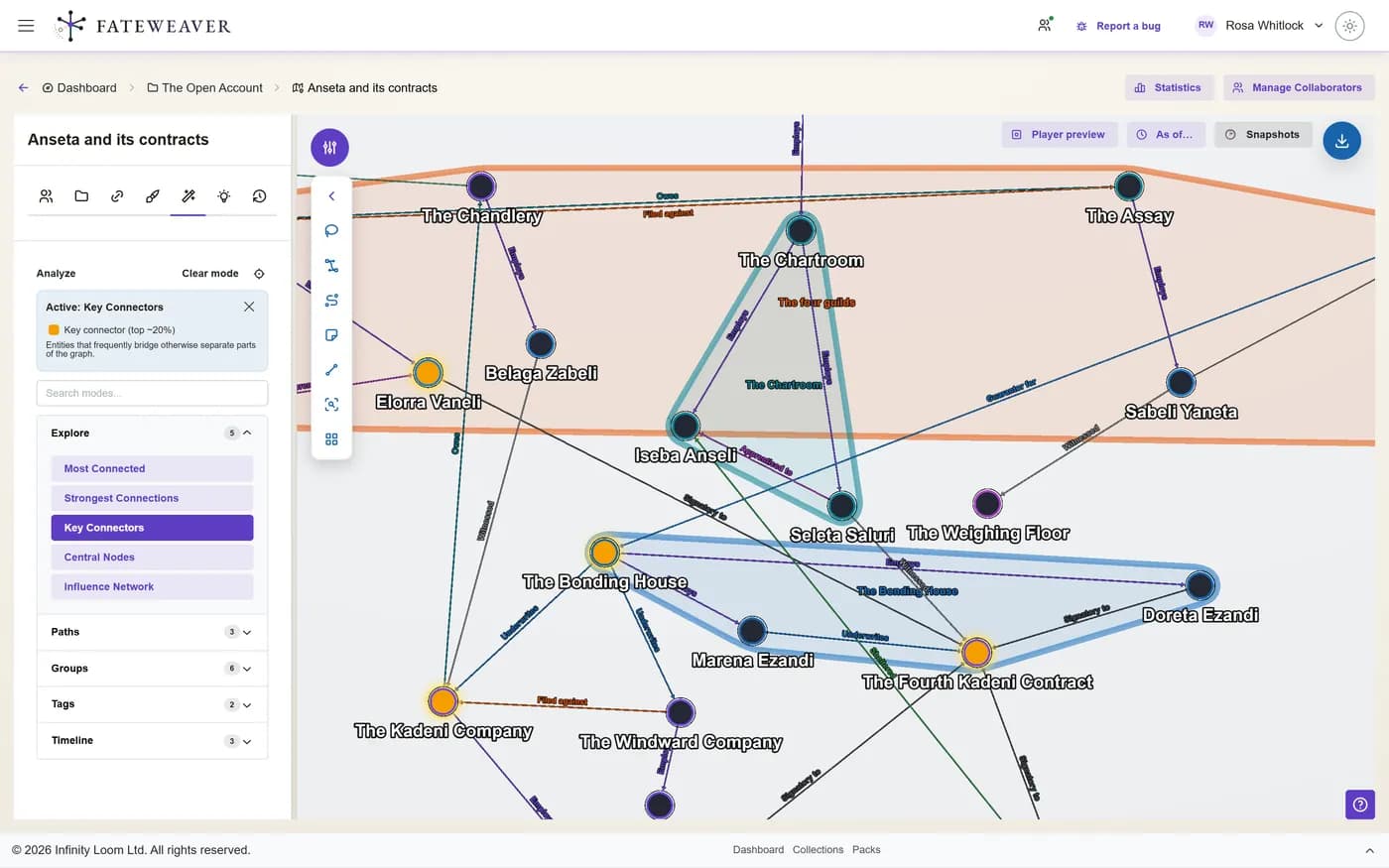
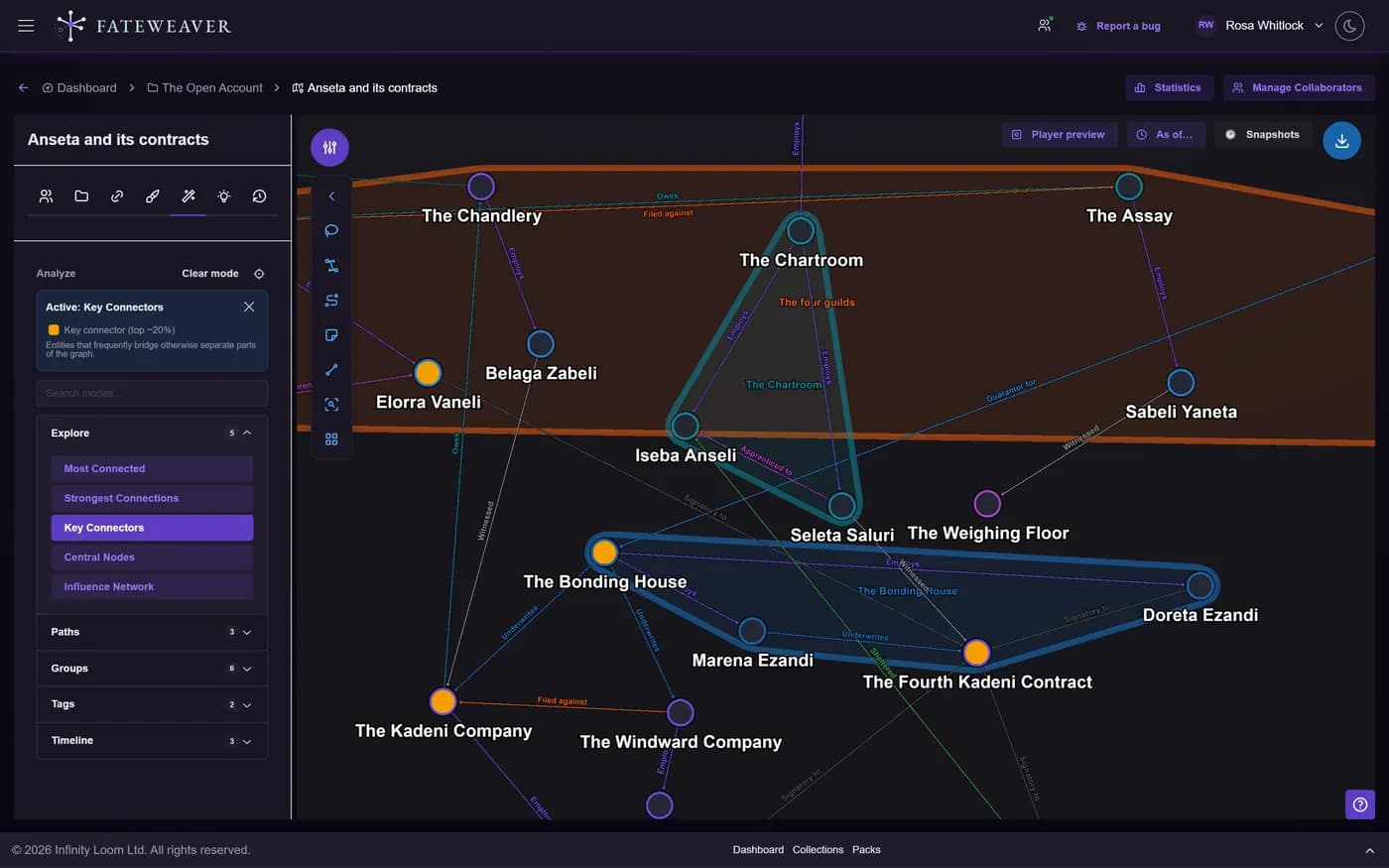
Replay Growth
Press play and watch entities and relationships appear in the order they were created.
- Play and pause the replay
- See nodes and edges appear in order
- Watch a campaign unfold
Scrub to Any Point
Drag the timeline to jump to a past state of the map, then read it like it is today.
- Choose a time window
- Scrub the timeline
- Snapshot the map at a timestamp
Understand Change
Highlight what changed recently and see activity over time at a glance.
- Activity overlay on recent changes
- Per-day activity timeline
- Pair with restore to roll back
Common workflows
Recap last session
Open the timeline on last week's window and replay only what your players changed.
- Set the window to the last session
- Replay the additions
- Brief everyone in seconds
Find when a tie formed
Not sure when two factions became allies? Scrub back until the edge appears.
- Scrub the timeline
- Watch the relationship appear
- Note the moment it changed
Tips
- Narrow the time window to focus a replay on a single arc.
- Use checkpoints as anchors to jump between key moments.
- Combine with Graph Insights to see how structure shifted over time.
Related examples
Great Houses
Replay how alliances and rivalries shifted across a long political campaign.
See the Great Houses exampleCampaign Binder
Step through sessions one at a time to recap what happened.
See the Campaign Binder exampleMore on this: all features · pricing · FAQ. Signed in? The help button in the corner of the app has step-by-step articles, a keyboard reference, and a guided tour for every page.